
AI Agent Development Services for Products and Business Workflows
Design and build AI agents that use approved knowledge, call real tools, preserve workflow state, request human review, and create traceable outcomes in your product or operating system.
- Workflow
- State, tools, approvals
- Knowledge
- RAG, metadata, citations
- Operations
- Logs, evaluation, handoff

An AI agent becomes useful when it can work inside a controlled system
An AI agent is not only a conversational interface. In a production system it needs approved context, explicit tools, state, permissions, fallback behavior, evaluation, and a reliable path to a human when confidence or authority is insufficient.
Four workstreams from feasibility to production operation
Each workstream has a clear output so the project can move from a promising demo to a maintainable product capability.
Agent strategy and workflow design
Define the user decision, tool boundary, approval path, source data, and measurable outcome before choosing a model or framework.
- Agent type and task boundary
- Proof-of-concept plan
- Data and tool inventory
- Evaluation roadmap
Custom LLM and tool integration
Connect an agent to product APIs, IoT events, documents, search, ticketing, CRM, ERP, and controlled business actions.
- Tool and API contracts
- Stateful workflow
- Permission-aware actions
- Human review points
Knowledge, retrieval, and model adaptation
Prepare private knowledge, retrieval, metadata, citations, prompt policy, and model adaptation where the use case justifies it.
- RAG and citations
- Dataset preparation
- Prompt and retrieval evaluation
- Fine-tuning feasibility
Testing, deployment, and operations
Test useful answers, unsafe actions, tool failures, latency, cost, logs, rollback, and handoff in the target environment.
- Scenario evaluation
- Cloud or private deployment
- Observability and cost controls
- Support and iteration
Choose the agent pattern by the work it must complete
These patterns group common agent applications while making the integration, permissions, and operating boundary explicit.
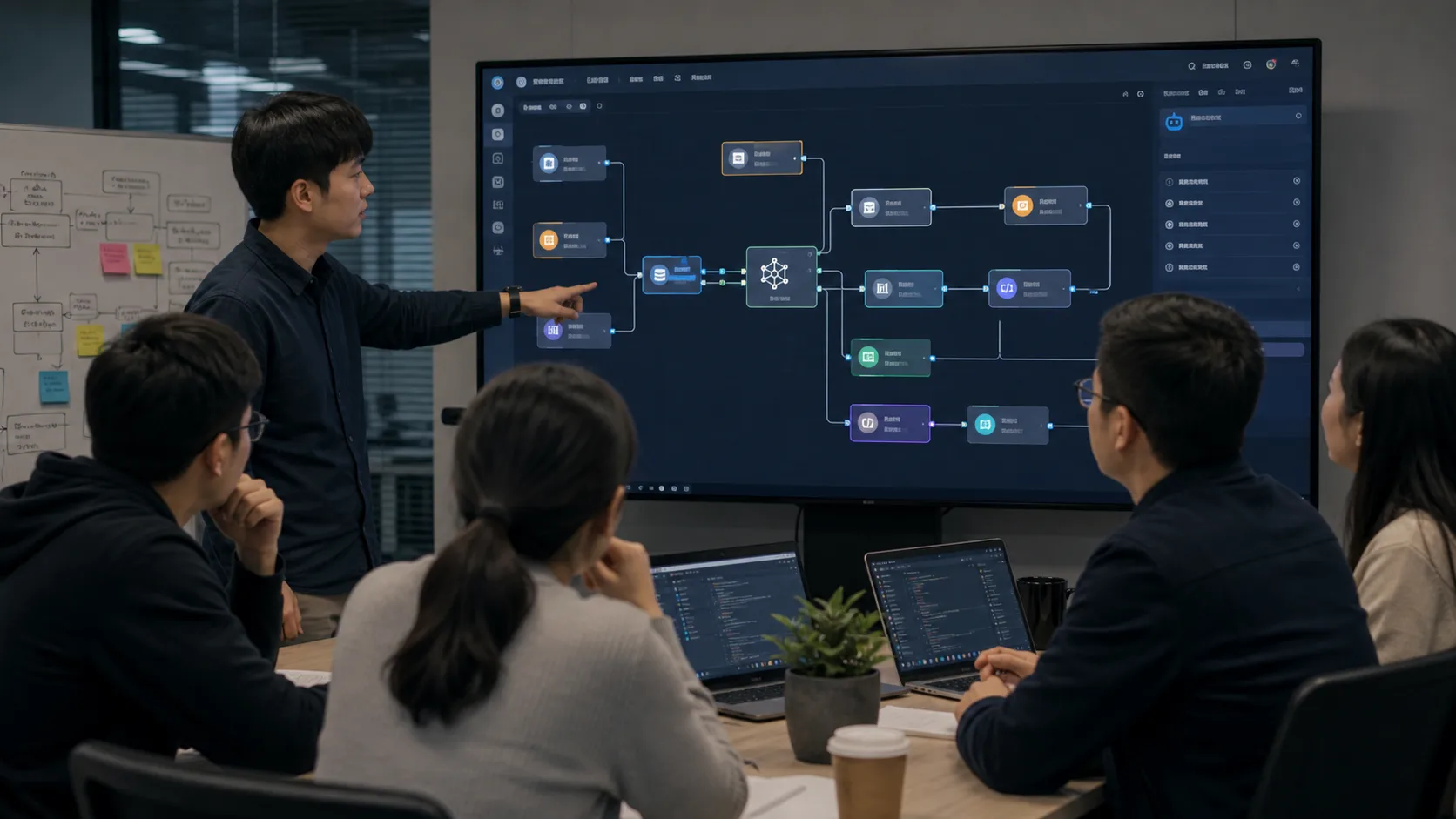
A support agent that can search product knowledge and act on service workflows
The agent can retrieve manuals and service history, explain device alarms, collect troubleshooting evidence, and open a ticket without inventing unsupported actions.
- Knowledge retrieval with citations
- Device or account context
- Ticket and handoff actions
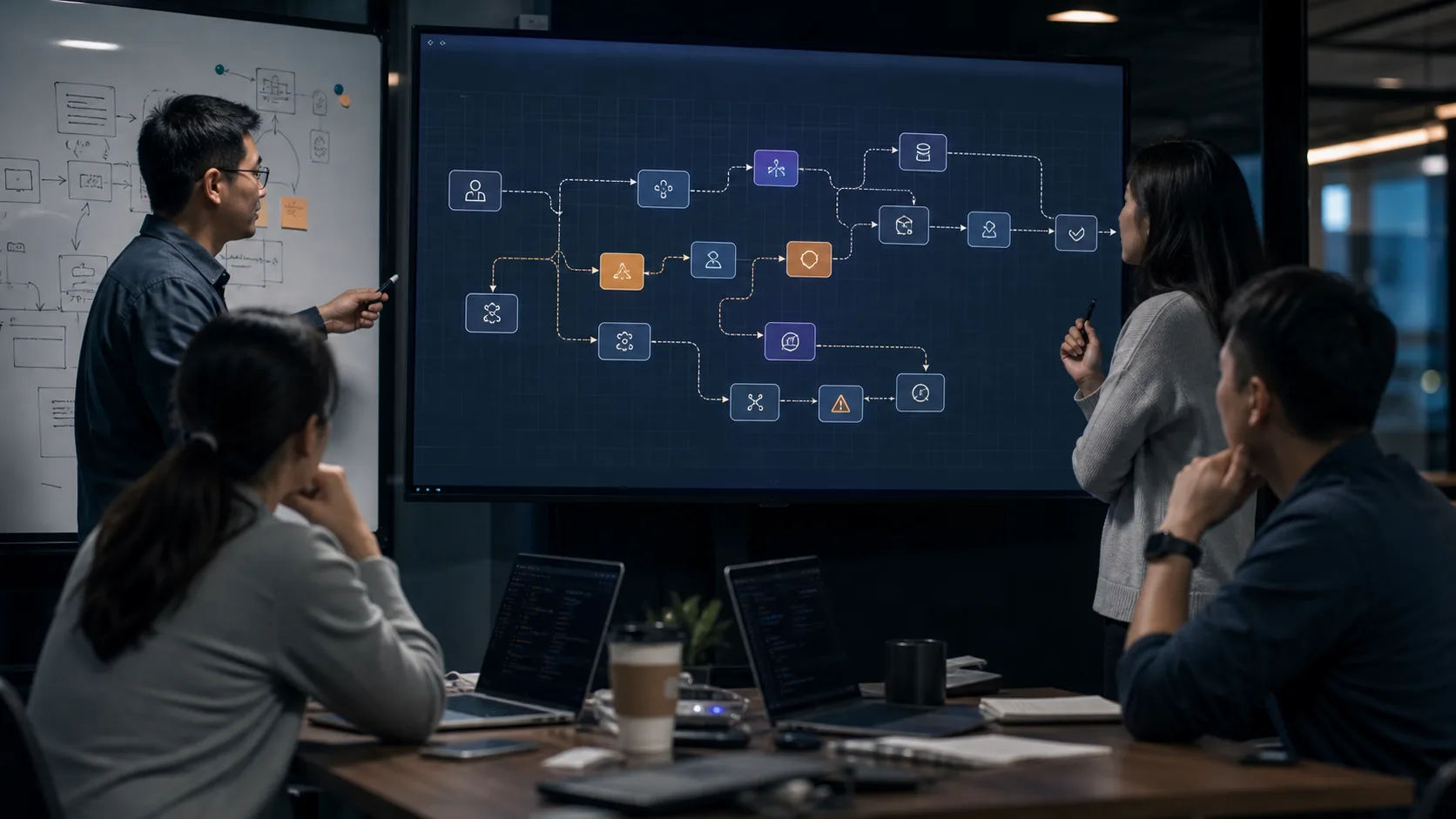
A stateful agent for alarms, approvals, exceptions, and follow-up
LangGraph-style state lets the workflow pause for approval, retry a failed tool, preserve context, and keep an auditable path from event to action.
- Multi-step state machine
- Human-in-the-loop approval
- Retry and exception handling

A permission-aware agent for documents, records, and technical knowledge
A retrieval layer can combine manuals, project records, databases, and approved knowledge while keeping source links, metadata, and access rules visible.
- Document and database retrieval
- Metadata and access controls
- Source-grounded responses
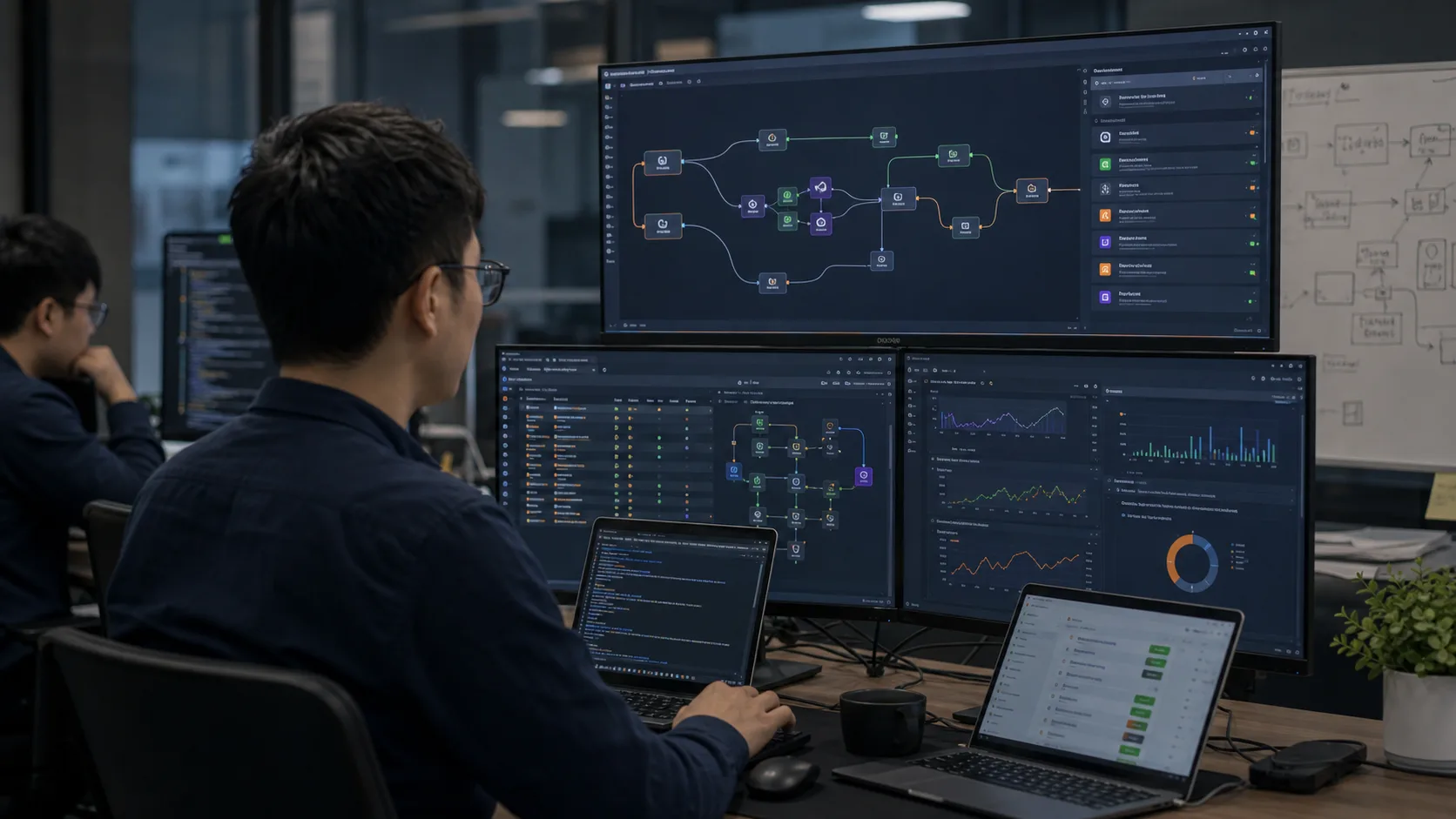
An agent inside business automation instead of a standalone chatbot
n8n and API workflows can connect AI decisions with webhooks, SaaS tools, notifications, records, and deterministic steps that remain easy to inspect.
- Webhook and SaaS integration
- Deterministic workflow steps
- Logs and operational recovery
Use the model and runtime that fit the data, latency, and ownership boundary
Cloud models can accelerate capability. Private cloud or local runtimes can support sensitive data, predictable operating cost, or offline constraints. The right decision comes from task quality and system ownership, not a model leaderboard alone.
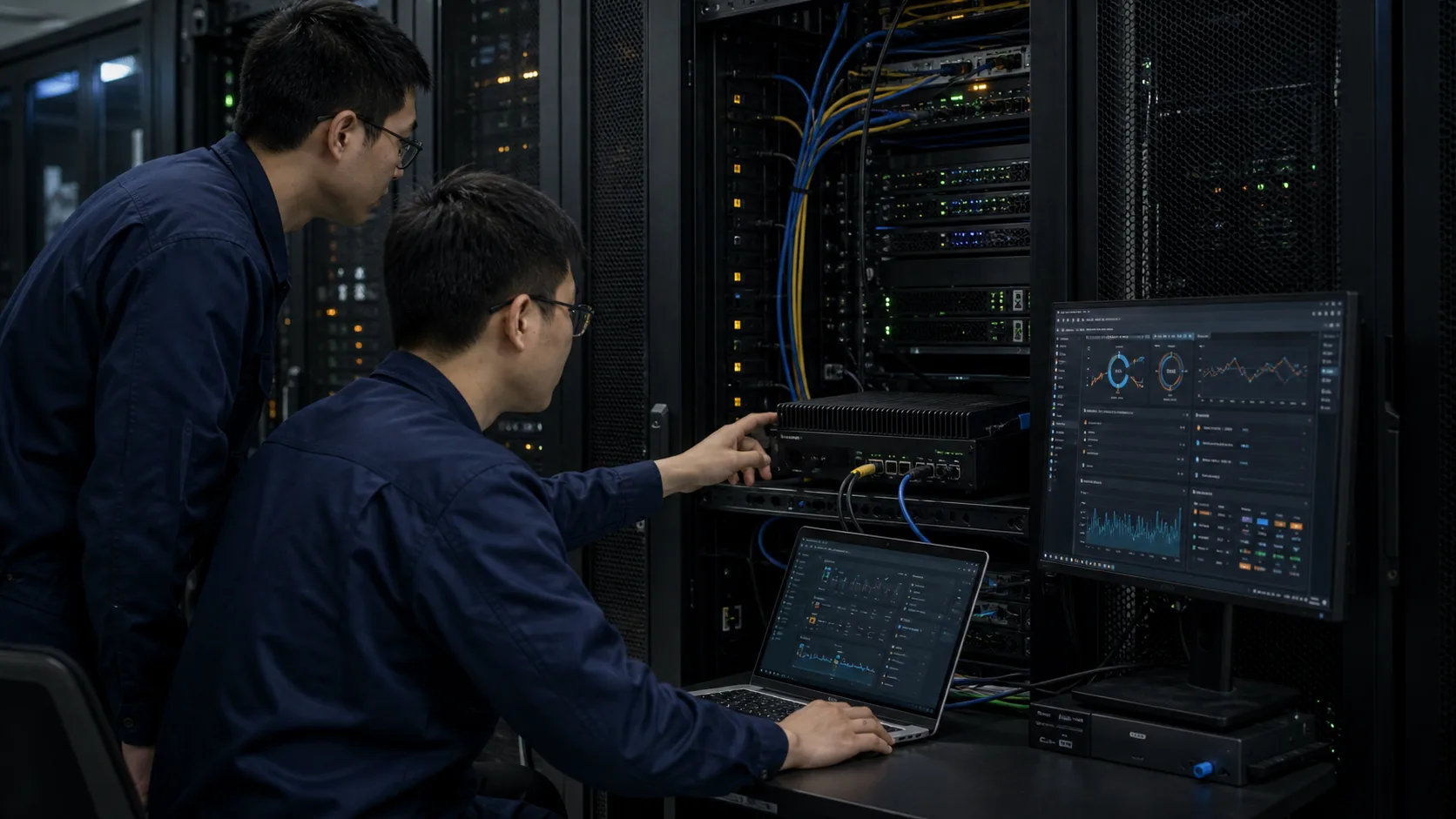
Agent quality is a system property, not a model promise
We validate the full operating loop: what the agent knows, what it may do, how failures are contained, and what evidence remains for product and support teams.
Grounded knowledge
Retrieval, metadata, source permissions, and citations keep answers tied to approved product and operating knowledge.
Test set: answer quality, source coverage, refusal behaviorControlled actions
Tool schemas, role checks, approval gates, and idempotent operations limit what an agent can change in business or device systems.
Test set: permissions, duplicate calls, unsafe requestsObservable workflows
Structured traces record prompts, retrieval, tool calls, latency, cost, errors, and human decisions without exposing unnecessary private data.
Operations: traces, alerts, cost and failure reviewReliable handoff
Low confidence, missing authority, tool failure, or commercial questions move to a person with the useful conversation and system context attached.
Acceptance: escalation triggers and ownershipMove from one valuable decision to a production agent
Discover the decision
Identify the user, triggering event, available context, permitted action, and business result the agent should improve.
Design tools and guardrails
Define APIs, retrieval sources, permissions, approval points, failure behavior, and records needed for audit or support.
Prototype and evaluate
Test representative tasks, edge cases, latency, cost, hallucination risk, tool errors, and escalation to a person.
Integrate and operate
Connect the product UI and systems, deploy the runtime, add logs and alerts, and establish an iteration process.
A working agent plus the evidence needed to operate it
A production release must remain understandable after the prototype team leaves. The handoff therefore covers decisions, evaluation, integration, and recovery instead of only application code.
Architecture package
Workflow map, model and runtime decision, data sources, tools, permissions, state, and escalation boundaries.
Evaluation package
Representative task set, expected outcomes, quality and safety checks, latency and cost observations, and release criteria.
Production handoff
Deployable application, integration contracts, environment guidance, logs and alerts, recovery notes, and iteration backlog.
Questions before starting an AI agent project
These answers clarify scope, model choice, data requirements, and production boundaries.
What is included in AI agent development?
A production engagement can include workflow discovery, agent architecture, model and framework selection, RAG, tool and API integration, state management, permission rules, human approval, evaluation, deployment, logs, and operational handoff.
How is an AI agent different from a chatbot?
A chatbot mainly responds to messages. An agent may preserve state, retrieve approved knowledge, call tools, update systems, wait for approval, recover from errors, and leave an auditable record of what happened.
Can an AI agent connect to IoT devices or an IoT platform?
Yes. An agent can interpret alarms, search device manuals, summarize telemetry, prepare maintenance actions, create tickets, or request a controlled command through platform APIs. Safety-critical actions still need explicit permissions and confirmation.
Do you support private or local AI agent deployment?
Yes. Private cloud, customer-owned infrastructure, local model runtimes, and hybrid deployments can be evaluated according to data sensitivity, latency, model quality, cost, and maintenance ownership.
When is an AI agent not the right solution?
An agent is a poor fit when the workflow has no reliable source data, no defined user decision, no permitted action, or no way to evaluate success. A deterministic automation or standard search interface may be safer and easier to operate.
Plan an AI agent around a real workflow
Share the users, source data, current systems, permitted actions, review requirements, and expected business outcome. We will help define a practical first agent release.
- AI + IoT product architecture review
- Hardware, firmware, cloud, and application integration
- Prototype planning and production support