
n8n AI automation for business, IoT, and approval workflows
ZedIoT designs n8n workflows that connect webhooks, APIs, IoT alerts, databases, SaaS tools, approval steps, and AI analysis into maintainable automation your team can monitor and improve.

Use n8n when an event needs to become a reliable business action
n8n is strongest when AI is only one step in a larger operating loop. The page should help teams decide which trigger, system, review rule, and action should be automated first.
Events do not reach the right system
Forms, device alerts, CRM records, tickets, databases, and SaaS tools often stay disconnected, so people copy data by hand.
AI output needs a control path
LLM summaries, classifications, and recommendations need approvals, fallbacks, logs, and a clear business action before they are useful.
Workflows fail silently
Webhook failures, API rate limits, duplicate payloads, bad credentials, and partial updates need retry rules and operational visibility.
Automation must stay maintainable
A production n8n workflow needs naming rules, secrets management, environment control, version notes, and ownership after launch.
From event trigger to AI decision, approval, and system update
A production automation should expose what happened, why the workflow made a decision, whether a human reviewed it, and what system was updated.
Business or device event
Start from a webhook, form, alarm, order, database change, IoT message, support ticket, or scheduled report.
n8n workflow orchestration
Normalize payloads, branch by condition, call APIs, run scheduled steps, and keep the workflow visible to the team.
AI analysis or human review
Use OpenAI, Dify, private models, classifiers, summarizers, approval nodes, and confidence gates where judgment is needed.
Action, audit, and recovery
Create tasks, update systems, notify users, write logs, retry failures, and keep evidence for support and improvement.
n8n, Node-RED, and Dify solve different automation problems
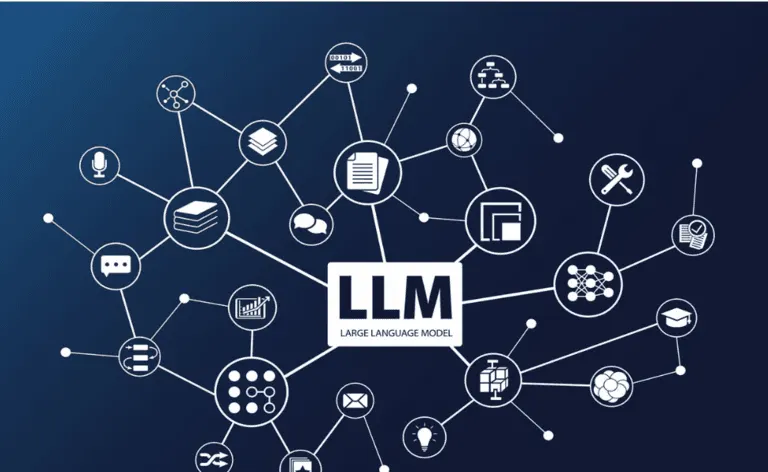
Tool choice matters because the wrong orchestration layer creates long-term maintenance issues. ZedIoT uses n8n for business-system automation, Node-RED for device and gateway flows, and Dify for managed AI apps and knowledge workflows.
n8n automation services that connect AI with real operations
We design the workflow around the trigger, target system, approval rule, failure path, and operating evidence, then decide where AI should assist instead of hiding the logic.
Custom workflow design
Design event triggers, branch logic, API nodes, data transforms, approval paths, and business-system actions around the real process.
AI and knowledge integration
Connect OpenAI, Dify, RAG, private knowledge, classifiers, summarizers, and review gates without making AI the only decision point.
Private deployment and operations
Plan self-hosted n8n, credentials, backups, logs, queue mode, environment separation, and support ownership when the workflow matters.
Practical automation scenarios for AI, IoT, and business systems
These scenarios focus on rapid product development with clear operating outputs: alerts, tickets, approvals, reports, records, and system updates.
IoT alert triage
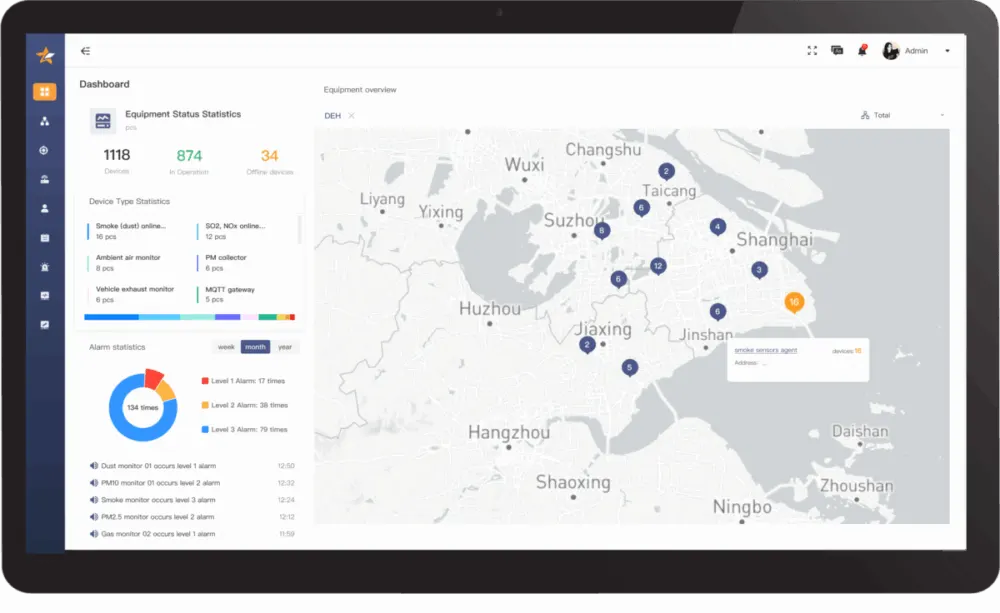
Route device alarms into n8n, enrich them with platform data, classify severity with AI, and create tickets or operator messages.

Approval and ticket workflow
Use n8n to connect forms, email, CRM, Slack or Teams-style notifications, review steps, and final system updates.
AI data and report pipeline
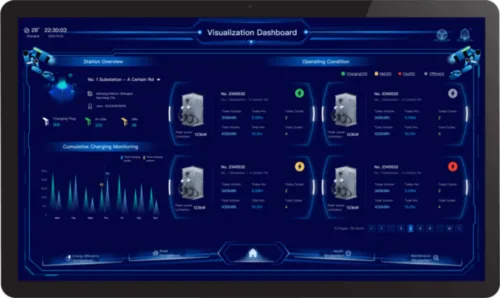
Collect records from databases or APIs, ask AI to summarize exceptions, and push structured reports to dashboards or teams.

Rapid product workflow proof
Prototype AI assistant, voice robot, service bot, or internal operations flow before deciding which parts become product features.
Start with one workflow, then harden the operating path
The safest first release proves the trigger, system update, AI step, approval rule, and failure handling before automating more departments or device groups.
- 01
Choose the first workflow
Define one event, one target action, one owner, and the measurable reason to automate it.
- 02
Map systems and permissions
List webhooks, APIs, credentials, payloads, data owners, approval rules, and failure states.
- 03
Build with test data
Create the n8n workflow, AI steps, branches, logs, retry behavior, and review checkpoints using representative records.
- 04
Release and monitor
Deploy, document, monitor success and failure paths, then decide what should become a product feature or platform module.
n8n automation planning questions
Use these questions to decide whether n8n is the right first automation layer for your business or device workflow.
When is n8n a good fit for AI automation?
n8n is a good fit when a business or device event needs to call APIs, update systems, notify people, run an AI step, or request human approval inside one visible workflow.
How is n8n different from Node-RED or Dify?
n8n usually fits business-system automation and API workflows. Node-RED is stronger for device-side and gateway flows. Dify is stronger for managed AI applications, RAG, and knowledge workflows.
Can n8n workflows be self-hosted?
Yes. n8n can be self-hosted when teams need stronger control over credentials, data flow, backups, logs, and deployment ownership.
What should an n8n pilot prove first?
A pilot should prove one trigger, one system update, the AI or approval step, failure handling, logs, and the person or system responsible for acting on the result.
Can n8n connect with IoT platforms?
Yes. n8n can consume platform alerts, webhooks, API events, database rows, or scheduled reports, then route them into tickets, messages, approvals, CRM, ERP, WMS, or dashboards.
Plan an n8n automation workflow with ZedIoT
Share the trigger event, systems to connect, AI step, approval requirement, and failure path. We will help define the first workflow and a practical rollout plan.
- AI + IoT product architecture review
- Hardware, firmware, cloud, and application integration
- Prototype planning and production support