

Dify AI workflow automation for enterprise systems
ZedIoT designs Dify apps, RAG knowledge bases, workflow nodes, private deployment, and system integrations so enterprise AI assistants can support real users, not only demos.

Use Dify when enterprise knowledge and AI workflow need one controlled product path
Dify fits teams that need AI assistants, knowledge search, product support, document review, or workflow automation with clear retrieval, security, deployment, and operating rules.
AI apps must connect to real knowledge
A useful Dify app needs controlled documents, retrieval rules, prompts, permissions, and feedback loops, not only a model endpoint.
Workflow steps need business controls
LLM output should pass through review, routing, classification, API calls, logging, and fallback rules before it affects operations.
Private deployment changes the design
Enterprise Dify projects often need self-hosting, model routing, vector storage, access control, monitoring, and data-retention planning.
AI products need long-term operations
Teams need clear ownership for prompt updates, knowledge refresh, workflow monitoring, user feedback, and incident handling.
From enterprise knowledge to reviewed AI actions
A Dify workflow should expose what information was used, how the answer was produced, when a human or system is involved, and how the result is logged for improvement.
Knowledge and data
Documents, manuals, tickets, product records, device events, and business data are prepared for retrieval and workflow use.
Dify orchestration
Dify apps, workflows, prompts, variables, tools, model routing, and knowledge retrieval define the AI interaction path.
Review and integration
Human approval, API calls, system updates, notifications, and logs turn AI output into an accountable business action.
Operations and improvement
Usage analytics, error handling, feedback, knowledge refresh, and deployment control keep the workflow usable after launch.
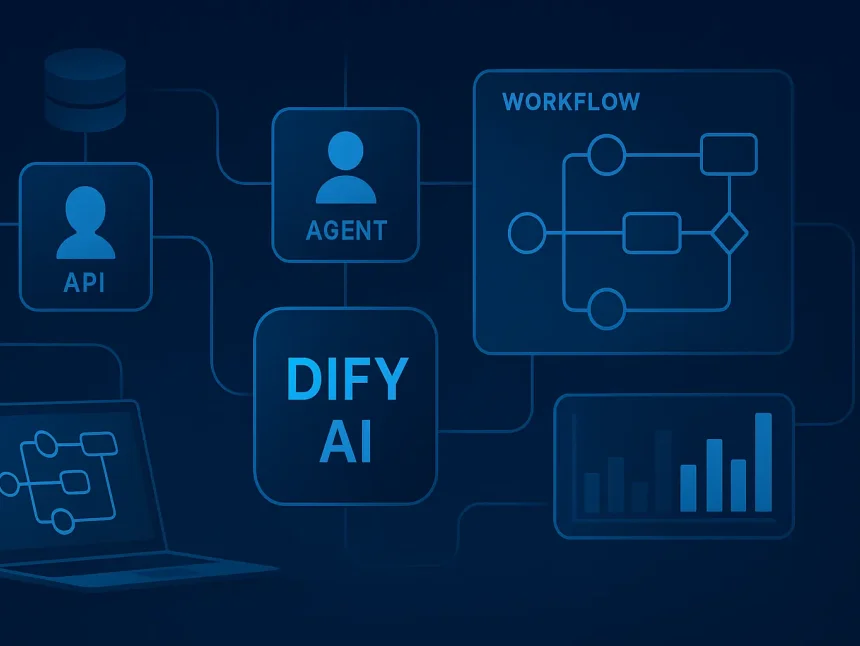
Dify services for enterprise rollout
ZedIoT turns Dify apps, knowledge, tools, deployment, and monitoring into one production-ready workflow.
Custom workflow design
Apps, nodes, variables, prompts, approvals.
RAG and knowledge integration
Documents, manuals, vector retrieval, feedback.
Self-hosted and cloud deployment
Runtime, model providers, storage, backup.
API and system integration
IoT platform, CRM, ERP, WMS, tickets.
Monitoring and reliability
Versioning, evaluation, logs, exceptions.
AI SaaS and product development
Tenant access, UX, billing, telemetry.
Choose the tool by workflow layer
Dify is strongest at the AI app layer. n8n and LangGraph fit adjacent integration and agent orchestration layers.
Apply Dify where knowledge, workflow, and system integration meet
The strongest Dify use cases combine a clear user task, controlled knowledge, a review path, and a destination system.

Enterprise knowledge base
Build private knowledge search for manuals, policies, support records, and product documents with controlled retrieval behavior.

Healthcare SaaS workflow
Support secure workflow automation for review, case records, follow-up notes, document checks, and team collaboration.
Product support assistant
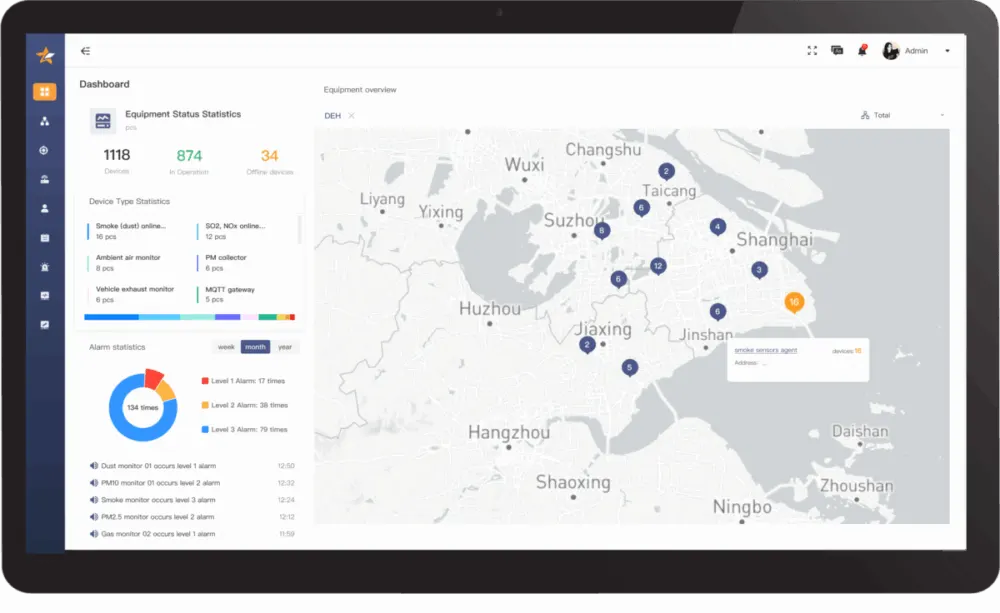
Connect device manuals, fault records, IoT platform data, and support tickets so users get grounded troubleshooting guidance.
Workflow automation proof
Prototype AI triage, summarization, routing, review, and API actions before deciding what becomes a formal product feature.
Validate retrieval quality and workflow behavior before scaling users
A reliable Dify project proves knowledge quality, user fit, permissions, integration behavior, and monitoring before wider rollout.
- 01
Define the user decision
Choose the task the AI workflow must help with: answer, classify, summarize, review, route, or trigger an action.
- 02
Prepare knowledge and tools
Map documents, data sources, APIs, permissions, model options, vector stores, and the required review path.
- 03
Build and evaluate
Create Dify apps and workflows, test retrieval quality, check prompt behavior, and validate failure cases with real samples.
- 04
Deploy and operate
Set up self-hosted or cloud runtime, monitoring, feedback, knowledge refresh, access control, and support ownership.
Questions before building a Dify workflow
These answers help scope knowledge, deployment, model, integration, and operating requirements before implementation starts.
When is Dify the right choice for an enterprise AI workflow?
Dify is a strong fit when the team needs an AI app, private knowledge base, RAG workflow, prompt management, model routing, or a fast path from internal AI workflow to a usable product interface.
Can Dify be self-hosted for private enterprise data?
Yes. A self-hosted deployment can be designed with private runtime, controlled databases, vector storage, model-provider choices, access control, backups, logging, and data-retention rules.
How is Dify different from n8n or LangGraph?
Dify is strongest for AI apps and knowledge workflows. n8n is stronger for business automation across webhooks and SaaS tools. LangGraph fits deeper code-level agent orchestration and stateful multi-step AI systems.
What should we prepare before a Dify pilot?
Prepare target users, representative documents, expected questions, system APIs, model constraints, security requirements, deployment preference, and examples of correct and incorrect answers.
Can Dify connect to IoT or product support workflows?
Yes. Dify can connect to device manuals, IoT platform data, ticket records, product knowledge, customer support workflows, and APIs when the workflow is designed with permissions and logging.
Plan a Dify AI workflow with ZedIoT
Share the target users, knowledge sources, workflow steps, model constraints, deployment preference, and systems to integrate. We will help define a practical Dify implementation path.
- AI + IoT product architecture review
- Hardware, firmware, cloud, and application integration
- Prototype planning and production support