

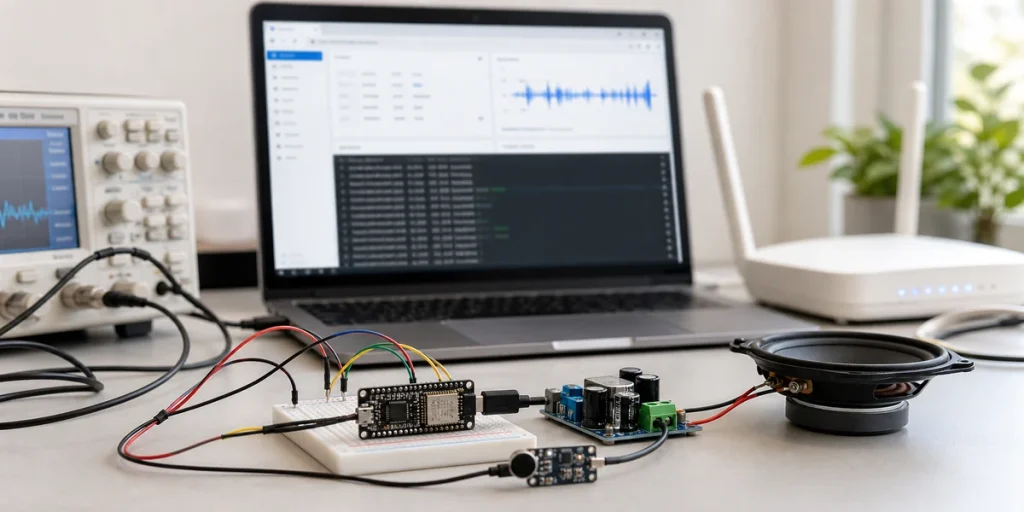
When an ESPHome voice satellite feels slow or choppy, it is tempting to blame the wake word model or Home Assistant itself. Those parts can fail, but they are rarely the whole system. A useful diagnosis has to follow the complete path: microphone capture, I2S or PDM timing, device-side buffering, Wi-Fi uplink, the Home Assistant Assist pipeline, TTS download, and speaker playback.
The practical conclusion is this: if an ESPHome voice satellite responds late, drops words, goes silent intermittently, or stutters during TTS playback, measure the path in segments before rewriting the full YAML configuration. Once audio components, BLE scanning, verbose logs, LEDs, weak Wi-Fi, and TTS playback all share a constrained ESP32-S3 device, the user-facing symptom called "lag" is often resource contention plus unclear buffering boundaries.
ESPHome's Voice Assistant documentation says microphone-equipped ESPHome devices can stream audio to Home Assistant Assist. The same documentation warns that audio and voice components consume significant RAM and CPU, especially when combined with Bluetooth or BLE. Home Assistant's own voice documentation also treats Assist as an open voice entry point that can run on dedicated hardware, DIY ESPHome devices, and local or cloud pipelines. A voice satellite is therefore not a simple peripheral. It is a continuous audio system.
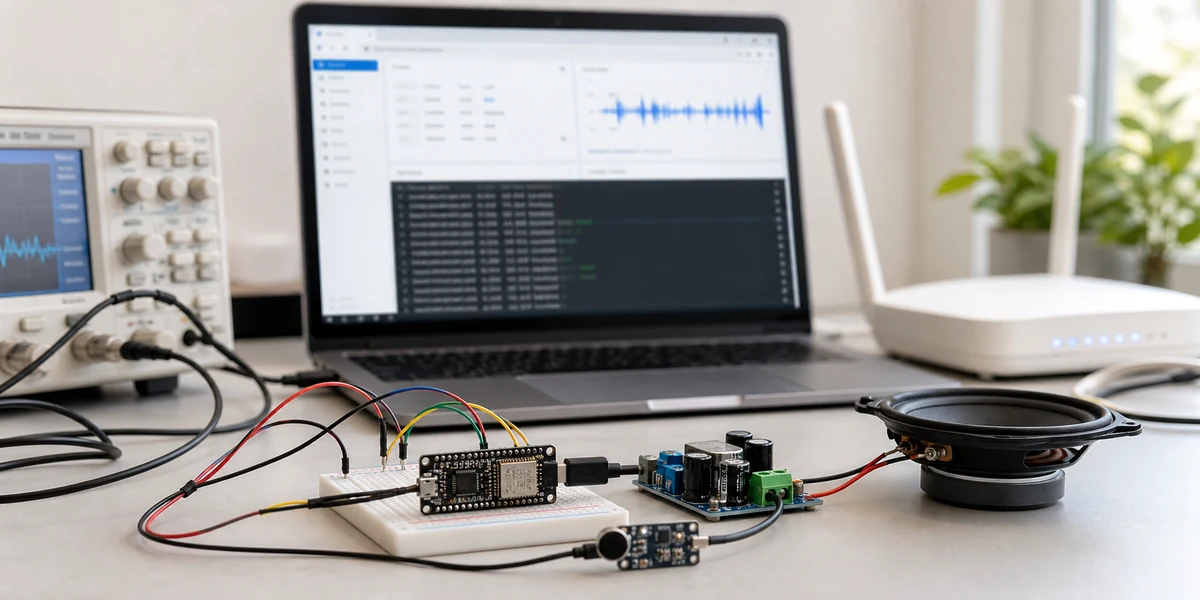
1. Start by Classifying the Lag
ESPHome voice satellite problems usually fall into four different buckets.
| Symptom | Likely area | Check first | Do not start with |
|---|---|---|---|
| Wake word feels slow or misses | Microphone, noise, wake model | Mic position, gain, room noise | Replacing TTS or an LLM |
| Long pause after speaking | Wi-Fi, Assist pipeline, STT/TTS | End-to-end timestamps, Home Assistant load | Changing random I2S pins |
| Choppy playback | TTS return, speaker, buffer | Speaker path, power, media player setup | Raising mic gain again |
| Reboots or disconnects | RAM/CPU, BLE, logs, Wi-Fi | Minimal config soak test | Adding more features to the same node |
The routing rule is straightforward: if the problem happens only in one room, inspect acoustics and Wi-Fi first; if every room is slow, inspect the Assist pipeline; if capture and playback interfere with each other, inspect I2S/PDM, speaker output, and resource contention. This produces better fixes than searching for one magic latency option.
2. I2S and PDM Are About Timing, Pins, and Buffers
ESPHome's I2S audio component is used for audio input and output on ESP32-family chips. For a voice satellite, a compiling I2S or PDM configuration only proves that audio may be captured. It does not prove that the audio path will remain stable under room noise, Wi-Fi jitter, and TTS playback.
A more reliable sequence is:
- Fix the microphone and speaker GPIO choices before deeper tuning.
- Keep wires short and avoid running audio lines next to power, relay, or LED wiring.
- Validate capture, wake, and playback with a minimal voice configuration before adding lights, sensors, or other components.
- Record timestamps for capture, STT start, STT completion, intent match, TTS start, and playback start.
Without these timestamps, teams mix up broken capture, network delay, Home Assistant load, and slow TTS retrieval as one vague problem. A tunable system needs to say where the delay actually sits.
3. Device Buffering Is the Stability Boundary
ESP32-S3 is a good fit for ESPHome voice nodes, but it is not an unlimited platform. A voice satellite can already include microphone capture, wake handling, API connectivity, status LEDs, a button, a speaker, logs, and sometimes BLE scanning. CPU, RAM, Wi-Fi, and audio tasks compete quickly.
For a stable satellite, keep three boundaries clear:
- Do not make the voice node also serve as a BLE scanning gateway, display controller, and high-frequency sensor hub.
- Reduce logging during audio tests; logging can become part of the latency problem.
- Keep status LEDs functional, but do not turn the satellite into a continuous UI animation device.
This is not over-engineering. Once an ESPHome node is continuously handling audio, treating it like a generic multi-purpose ESP32 node usually sacrifices stability before it adds meaningful value.
4. Draw the Latency Path Before Tuning It
flowchart LR

A("User speaks"):::blue --> B("Microphone capture"):::cyan
B --> C("I2S/PDM and device buffer"):::orange
C --> D("Wi-Fi audio uplink"):::violet
D --> E("Home Assistant Assist pipeline"):::green
E --> F("TTS audio downlink"):::violet
F --> G("Speaker playback"):::cyan
G --> H("User hears response"):::slate

classDef blue fill:#EAF4FF,stroke:#3B82F6,color:#16324F,stroke-width:2px;
classDef cyan fill:#E9FBF8,stroke:#14B8A6,color:#134E4A,stroke-width:2px;
classDef orange fill:#FFF3E8,stroke:#F08A24,color:#7C3F00,stroke-width:2px;
classDef violet fill:#F4EDFF,stroke:#8B5CF6,color:#4C1D95,stroke-width:2px;
classDef green fill:#ECFDF3,stroke:#22C55E,color:#14532D,stroke-width:2px;
classDef slate fill:#F8FAFC,stroke:#64748B,color:#1F2937,stroke-width:2px;
The diagram is not a conceptual overview. It is a debugging map. If audio reaches Home Assistant late, inspect the ESPHome node and Wi-Fi. If audio reaches Home Assistant quickly but TTS returns slowly, inspect STT, intent recognition, and TTS. If TTS returns but playback stutters, inspect the speaker path, media player setup, amplifier, and power.
5. Wi-Fi Jitter Matters More Than Average Signal Strength
Many voice satellite tests only look at Wi-Fi signal strength. That is not enough. Voice interaction is sensitive to short jitter bursts from microwave ovens, TVs, walls, weak access points, and many ESPHome nodes sharing the same network.
Test the satellite where it will actually be installed, using fixed short commands and end-to-end timing. A successful test beside your desk does not prove the device will work on the far side of the kitchen.
If one room is unreliable, do not immediately replace the STT engine. Move the node closer to the access point, test another power supply, remove non-voice tasks, test at different times of day, and then decide whether the hardware or architecture needs to change.
6. A Practical Debugging Sequence
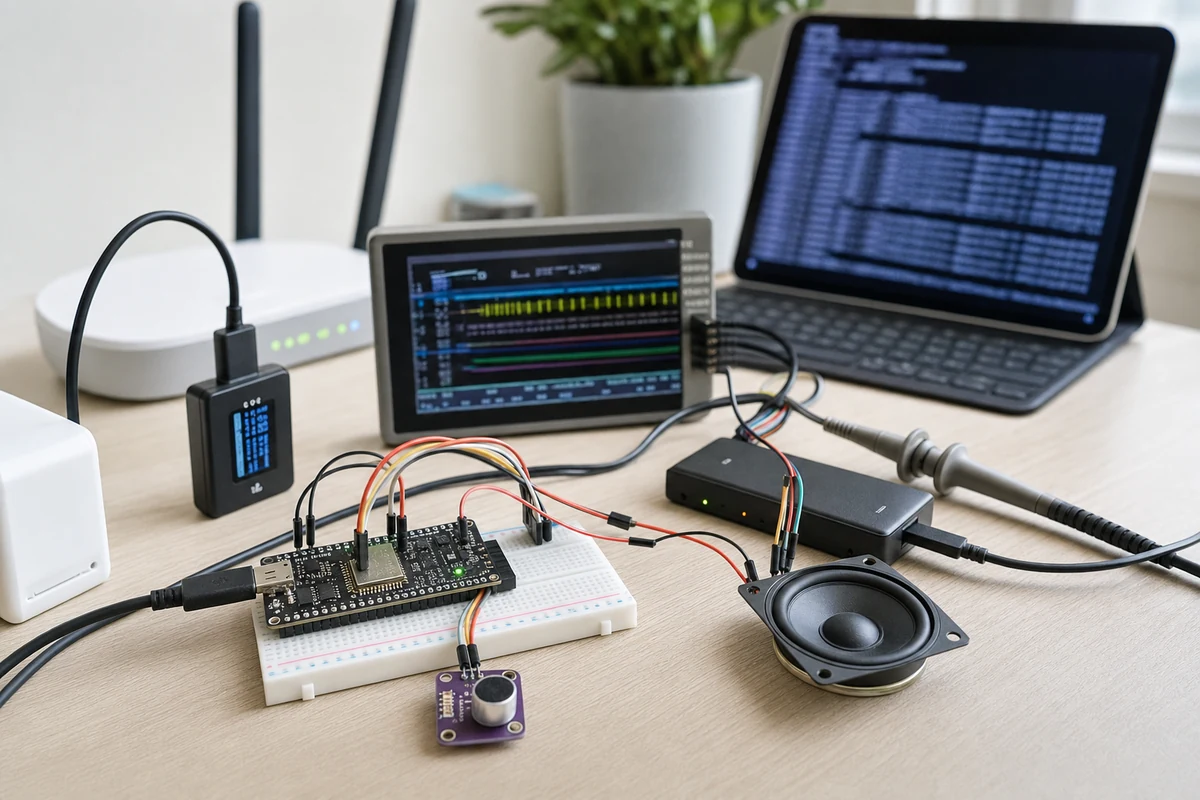
First, run the smallest possible voice configuration: microphone, speaker, voice component, basic status LED, and API connectivity. Confirm that capture, upload, and playback are stable.
Second, test microphone input alone. Use one fixed command in quiet, normal, and noisy conditions. Occasional success is not enough; the capture path has to be consistent.
Third, log pipeline timings. At minimum, record the end of user speech, Home Assistant processing start, intent match, TTS return, and device playback start. Without timing data, there is no clear optimization target.
Fourth, test TTS and speaker output separately. Play fixed audio or a fixed response to validate power, amplifier, and speaker behavior.
Fifth, add features gradually. Only after the minimal path is stable should you add BLE, displays, extra sensors, LED effects, or automations. Retest latency and long-running stability after each feature class.
7. When ESPHome Voice Satellites Are the Wrong Tool
ESPHome voice satellites are useful for near-field control, room-level entry points, push-to-talk devices, and low-cost experiments. The following requirements should not be forced onto a basic ESP32-S3 node:
- Far-field living-room pickup with TV noise and multiple speakers.
- Commercial spaces, kitchens, or workshops with high noise.
- Echo cancellation and continuous conversation close to a commercial smart speaker.
- A single node that also acts as a BLE gateway, display controller, and sensor hub.
- Long-term deployment maintained by non-technical users.
These scenarios need dedicated voice hardware, a microphone array, a Linux-based satellite, or at least a split between voice duties and gateway duties. When voice controls important home actions, stability matters more than low cost or feature stacking.
8. Conclusion: Stabilize the Audio Path Before Optimizing Intelligence
Tuning an ESPHome voice satellite is not about finding one universal YAML snippet. It is about turning the audio path into a measurable system. Microphone capture, I2S/PDM timing, device buffering, Wi-Fi, the Assist pipeline, TTS, and speaker playback all need separate validation.
When those boundaries are unclear, every problem looks like a model issue, a wake word issue, or a Home Assistant issue. When the boundaries are clear, an ESPHome voice satellite can become a reliable local smart home entry point. It may not replace every dedicated voice device, but it is very good at becoming a customizable, maintainable, room-level interaction node.